Latest Accessories How-To Stories
SEE ACCESSORIES STORIES BY CATEGORY

Try This
Your mouse's scroll wheel can do way more than you think
Open, close, and manage tabs faster with these simple middle-click shortcuts and tricks.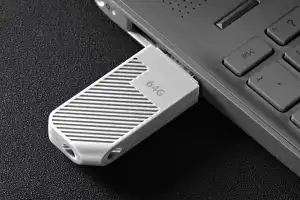
Tip
USB drive not recognized in Windows 11? Here's how to fix it
If a USB stick isn't recognized in Windows 11, it's usually due to drivers or settings, and can often be fixed in just a few simple steps.
How-To
Replace your Windows SSD the easy way, and save hours of setup time
Reinstall Windows before upgrading to an SSD? No need: With a network image, you can back up your system, programs, and settings in just a few steps.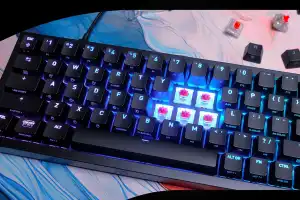
Tip
Why you should mix your mechanical keyboard switches
Mechanical keyboards allow different switch types to be mixed. This allows the typing feel to be specifically adjusted and improves comfort, precision and speed.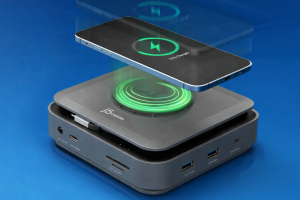
Tip
Most laptop docks ignore wireless charging. These 3 don't
I review dozens of wireless docking stations, both USB-C and Thunderbolt, and the lack of wireless charging always puzzled me. So I went hunting.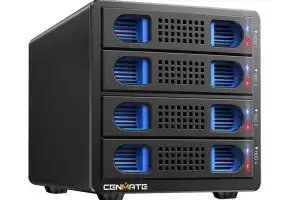
Tip
Your secret weapon for the storage apocalypse
Why pay store prices for storage when there are thousands of cheap used drives already on the market? A hard-drive dock or enclosure is how to turn cheap Facebook finds into PC storage options.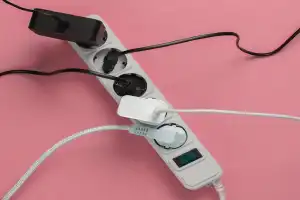
Tip
Never, ever plug these 15 devices into your power strip
Not all household appliances are suitable for multiple sockets. Read on to find out what you need to watch out for.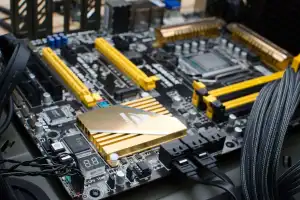
How-To
4 PC parts you should never skimp on
When it comes to core components, it pays not to cut corners.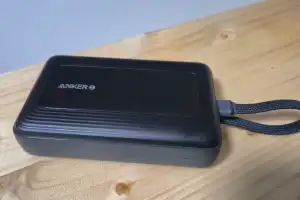
Tip
This $40 Anker charger ruined every other power bank for me
The Anker Zolo has one special feature that makes me choose it over all the other power banks I have every time.
Tip
When should you worry about OLED burn-in on PCs? We asked an expert
Tim of Hardware Unboxed and Monitors Unboxed knows more about OLED burn-in than anyone, which is why Adam chatted him up at CES 2026.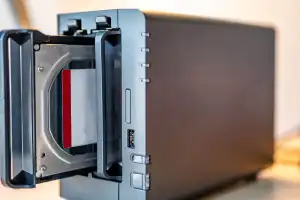
How-To
Keep your photos private! Set up your own at-home NAS cloud alternative
Don't entrust your photos to large cloud storage services. Use a NAS as a private cloud to keep your photos safe, secure, and backed up.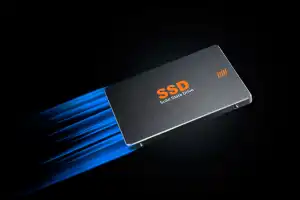
Tip
This hidden Windows 11 trick unlocks SSD speed boost for NVMe drives
Microsoft recently added a new feature that gives a significant performance boost to certain SSDs. However, there's a caveat.
Tip
Your USB-C cables aren't broken. This $14 tester shows what's really going on
Which USB-C cable can do what? It's often not that easy to find out. A clever cable tester helps to sort cables according to their capabilities.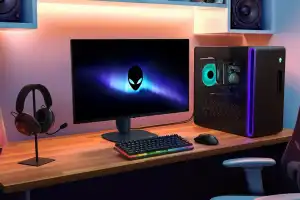
Tip
Your monitor's USB ports are hiding secret powers
Many modern monitors include fast USB hubs that often go unused, though they can enhance your setup.
How-To
How to detect a fake SSD or flash drive before you get burned
A lot of capacity for little money? With every generation of flash data carriers, counterfeit cheat packs also come onto the market. Even renowned hard disk manufacturers are not always completely honest.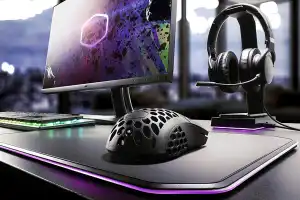
How-To
These hardware hacks turn your gaming mouse into a whole new beast
With careful tweaks, a gaming mouse can be optimized for better precision and comfort.
How-To
Get your PC 2026-ready with these 9 key upgrades
How to get more performance out of your PC in the new year: The best upgrade tips for SSD, RAM, CPU, graphics card and more.How-To
Why two SSDs are better than one in your PC
Most Windows PCs come with just one SSD. That may work for most people, but if you're really looking to boost your speed and free up bandwidth, then you should consider using two SSDs instead of one.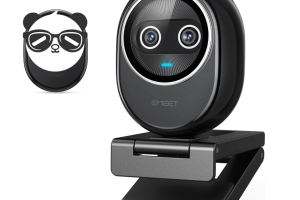
Tip
The second-best webcam has solved its fatal flaw
eMeet's Piko+ 4K webcam originally shipped with just a tripod mount, and no way to attach it to a display or laptop. eMeet has issued a new version at the same price, which really makes it a great choice.
Tip