

At a glance
Expert's Rating
Pros
- Online storage, multi-device sync, and mirroring
- Very affordable lifetime plans
- Extremely secure and private
- Free 1GB account
Cons
- Backup is actually one-way sync/mirroring (with limited versioning in some tiers)
- Hogs internet bandwidth
Our Verdict
Internxt’s intuitively blended web access, file sync, and backup (mirroring) services are impressive in scope. However, the affordable (over time) lifetime plans are by far the most outstanding aspect. That said, the software needs some work, so read our review carefully.
Price When Reviewed
This value will show the geolocated pricing text for product undefined
Best Pricing Today
Best Prices Today: Internxt Drive online backup
Though Internxt Drive rightfully touts its 256-bit encryption and dedication to privacy, there’s no feature in particular that sets it apart from the crowd. As with services such as Dropbox, Sync.com, OneDrive, iDrive, etc. there’s sync and storage. There’s also backup, though it’s not long-term inviolable backup, but mirroring with some versioning.
What stands out with Internxt are its more-affordable-over-time lifetime plans, though these have increased greatly in price since our last look a few months ago.
Read on to learn more, then see our roundup of the best online backup services for comparison.
How much is Internxt?
When I last reviewed Internxt, I said you might want to hop on its super-affordable lifetime plans before they disappeared. Alas, while still a very good deal in the long run, they’re not the insane deal they were when we first reviewed the service.
I first tried the free plan with 1GB of storage (formerly 2TB). Sadly, you can no longer increase the free plan’s capacity to as much as 10GB through various actions such as inviting friends to the service.
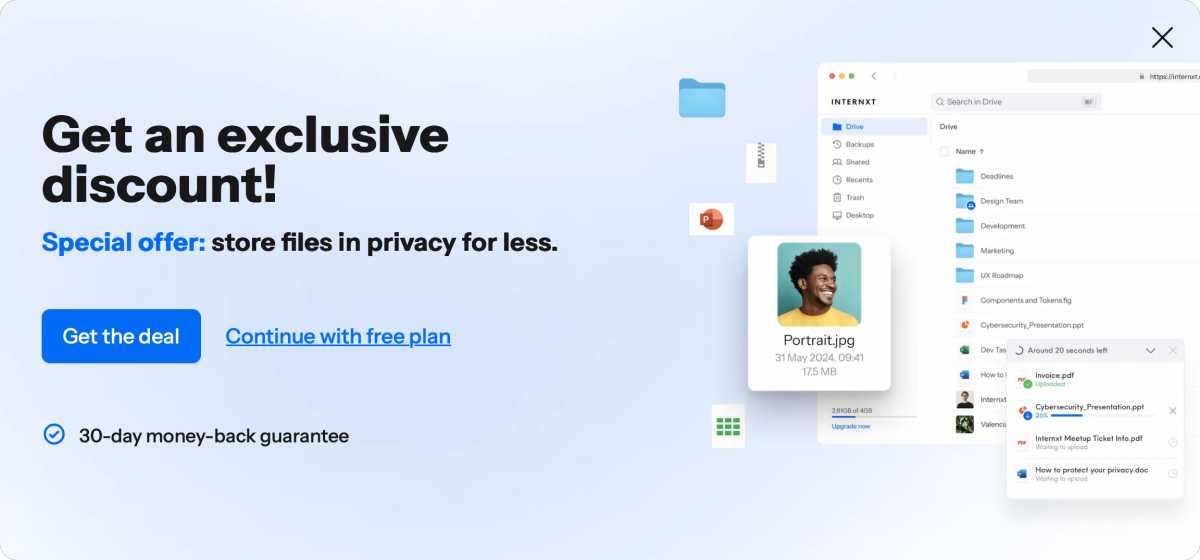
Beyond that, things have changed a bit since my last look in 2023. Gone are the $0.89-per-month 20GB and $3.49-per-month 200GB plans. Subscriptions now start at $1.65 a month for 1TB and $3.30 monthly for 3TB billed annually. Mind you, these rates are discounted from $10.99 and $21.99 per month, respectively, and might not last. Those prices are also approximate and subject to change as they reflect conversion to dollars from Euros.
So Internxt can be a tad pricey on an annual basis when not on sale. But if you’re willing to commit for life (is that even a thing anymore?) Internxt morphs into something more affordable. See below.
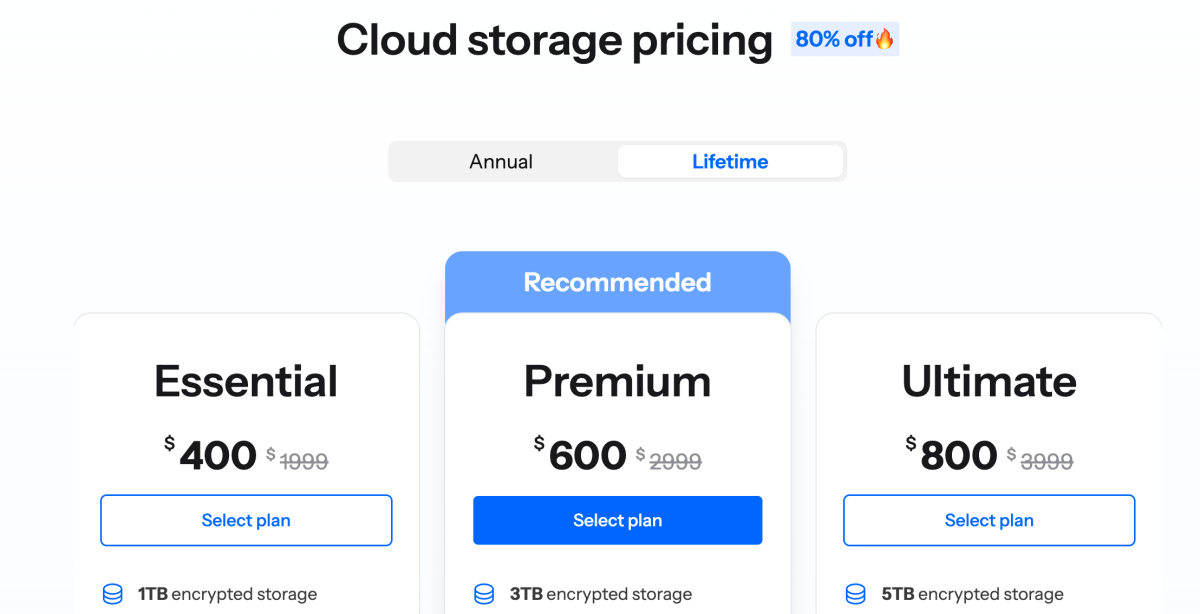
Sadly, the lifetime prices, as mentioned aren’t the insane deal (e.g., $149 for 1TB) as they were until just recently. They’re still affordable compared to most other services, though it takes a few years to realize the savings.
As to the company lasting, while I hate to be that guy, my job description requires that I point out that Internxt is now only six years old and online storage is a very competitive landscape.
That said, I offered that same caveat three years ago, when the company was just three-years old, and it’s still here. It’s reassuring that the company employs the well-known OVH storage infrastructure. Worst case, your data will still be available for download after any corporate failure, and the lifetime pricing is likely worth a roll of the dice in my book. As I’m usually quite risk-averse, that’s actually a hearty endorsement.
Note that features vary with the cost of the plan, not surprisingly. Most notably, the backup function is not available for free accounts.
Internxt Drive features
Internxt’s features are basically five-fold: sync, backup, sharing, with recent additions: antivirus and a file cleaner a la CCleaner. The AV and system cleaner are only available in the local client, while sharing is done online.
Syncing works like services such as Dropbox, Google Drive, OneDrive, etc. You drag or add files to a local folder/virtual drive that Internxt created, and they’re synced between your devices and the Internxt online storage. There are apps for iOS and Android.
The pay plans also let you create a backup plan that will fire off automatically at a rate as granular as one hour. Add any files or folders that you want backed up regularly, set the schedule, and forget about it. Backups don’t sync.
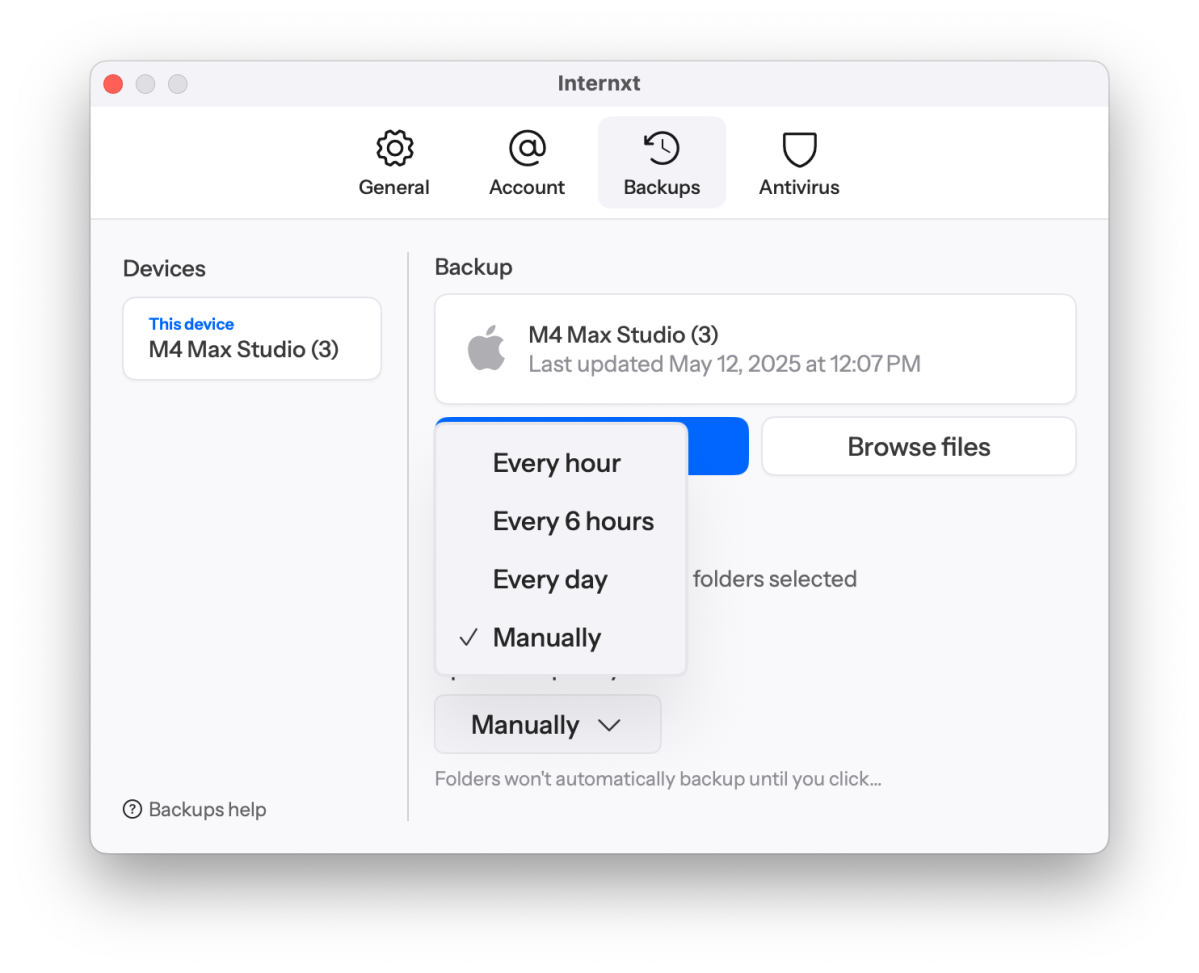
Though I stupidly referred to it as such in my first review, Internxt’s backup isn’t true backup. A true backup is never altered, using versioning to reflect changes. As of February 18, 2026, Internxt informed me that premium and ultimate plans now support file versioning. This makes the service a bit closer to true backup.
However, retention is rather short-lived — four weeks with the Ultimate plan, and two weeks with Premium plan. Hopefully, you realize your mistake within those time frames.
As mentioned, Internxt now includes antivirus with the paid plans. On both Windows and my Mac it proved extremely thorough — and aggressive. One scan registered 114 percent when I stopped it. I appreciate enthusiasm, but let’s stop at 100 percent please.
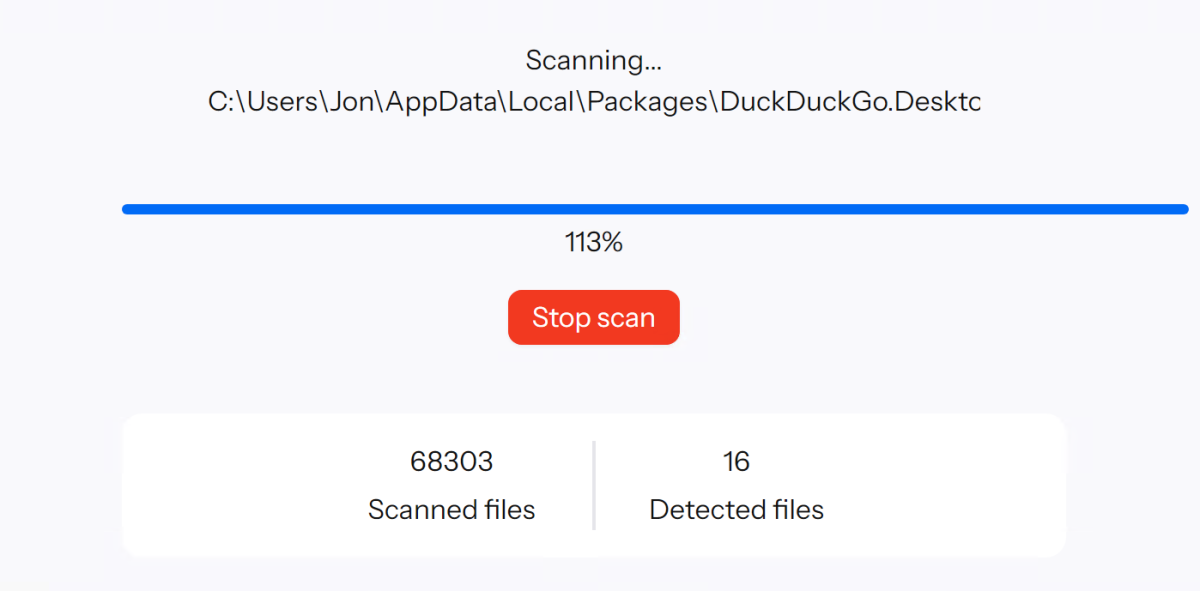
I clicked on the above notice with some trepidation, fearing it would simply trash files out of hand. However, it only takes you to a list that you can then select items from. There is no quarantine, only remove. Be doubly sure before you remove stuff. There’s also a custom scan that will let you narrow the scope to a single drive or folder.
Internxt has ditched the Photo backup I tested for my first look at it, although you can still upload photos from your phone’s camera roll to the Family folder. For free accounts this is limited to 25 files per operation. Yup, a teaser.
There’s also a separate section where shared files are kept—i.e., files shared with others, not among the Internxt sections. The separation reduces user confusion, even if it might waste a bit of space due to duplication.
How easy is Internxt Drive?
I’ve never seen an easier sign-up than Internxt. Provide your email, enter a password a single time, and you’re online with two sync folders (Family, Personal) ready to go. There’s an email verification to remove the yellow exclamation point next to your account level, but…
The layout and overall structure of the website make it very easy to set up and use. As easy, or easier than any I’ve experienced. It’s got a clean look as well. The help that I complained about last time is also improved.
But the app, while easy once you know it, is not particularly intuitive. Who looks for the backup function under “Preferences”? Maybe “Settings”… Then there’s “Change folders” for your backup when “Add/Remove folders” would be much clearer. And of course there’s the aforementioned paranoia-inducing “Remove Malware” button. To be fair, these might be translation issues as Internxt is in Europe.
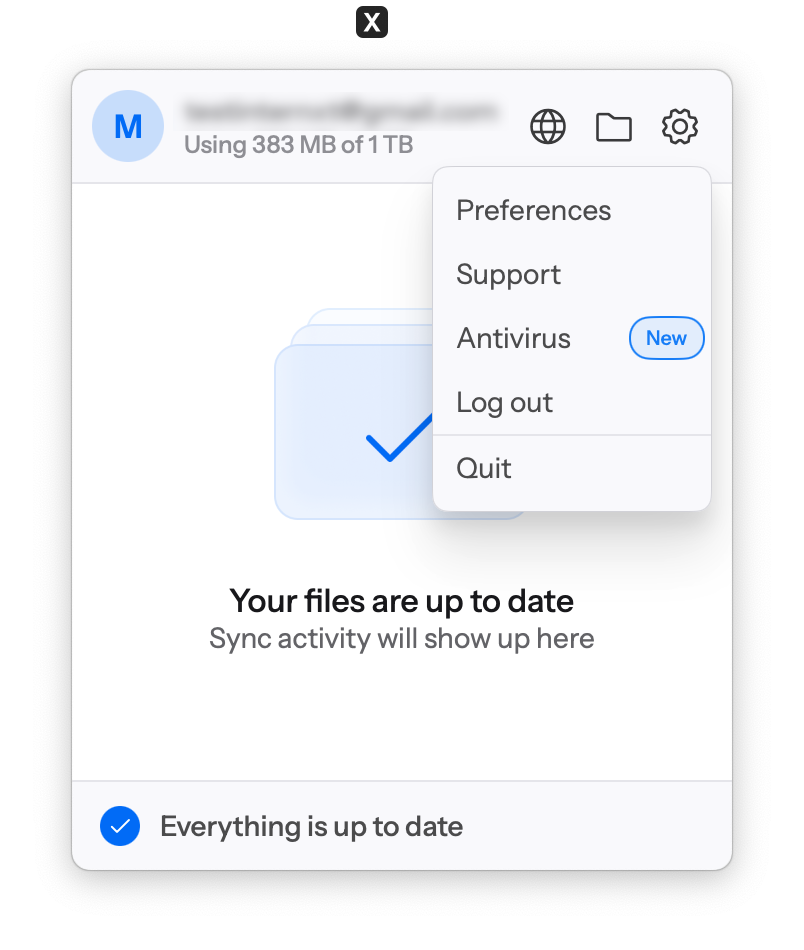
Open the Windows app after it’s installed, and there’s an icon to take you to the local Internxt sync folder. It’s on your C: drive in the same location as your user folders (Documents, etc.), but the name is a rather verbose affair with a hash value tacked on — “InternxtDrive – b44b4d7a-a509-4fd8-98d6-14429611abaa” in my case.

I suppose the hash is to allow multiple accounts on the same PC, as I logged on as three different users and two more of these folders appeared, but it’s an ugly naming convention.
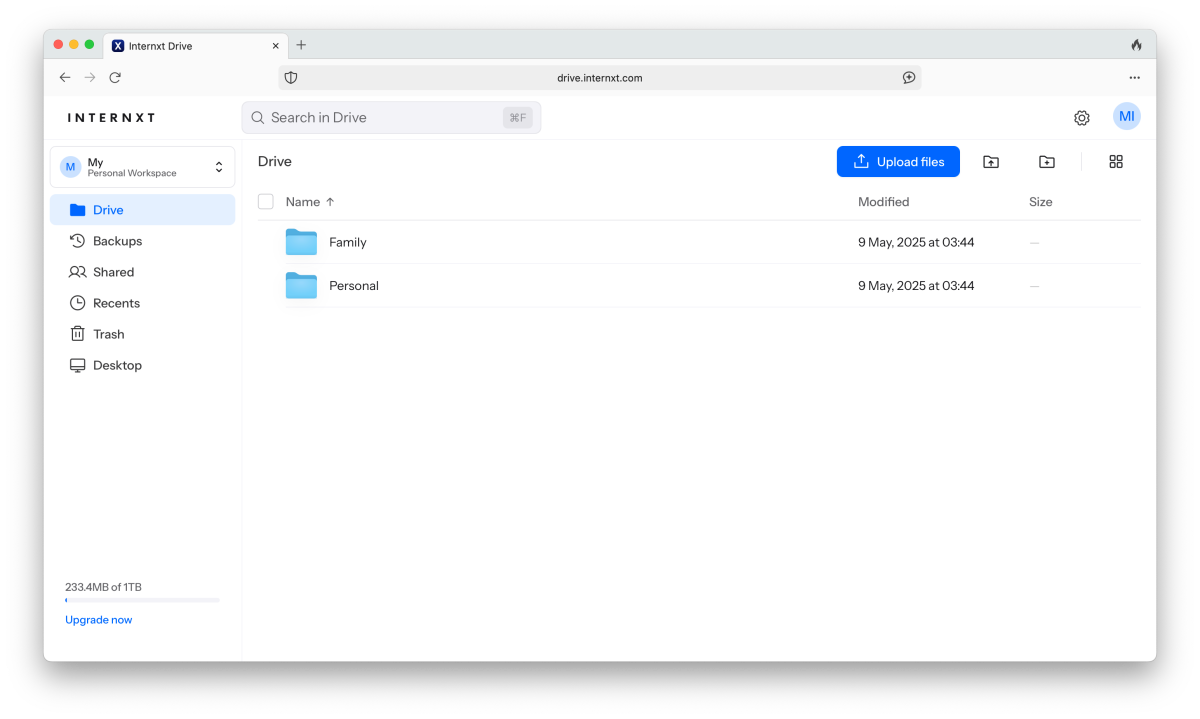
Overall, I give Internxt a B+ for its interfaces. They’re good-looking and functional, though there’s certainly room for improvement.
How does Internxt Drive perform?
Internxt fixed at least one of the bugs I spotted the first time I checked it out. Formerly, when adding the folder “1. Midi files” the folder showed up in the list as “1” and wouldn’t back up because it couldn’t be found. No such error now occurs. I also didn’t see any false error messages during backups. Work has been done. Nice.
Sync across devices was generally fine performance-wise, though I didn’t go much beyond 1GB of files. Uploading photos from my iPhone was rather tedious with each one being encrypted. I didn’t see a setting to disable encryption.
Backups also went off without a hitch on both Windows and the Mac for over a week, so I give Internxt an A for reliability. That said, there are numerous user reports of issues on the company’s sub-Reddit (none of which I experienced) regarding large backups.
However, Internxt also badly needs to implement bandwidth throttling. Backups came too close to maxing out the upstream traffic for my taste, slowing or creating issues for other tasks on occasion.
I connect to the software Test Bed from a M4 Mac Studio using Microsoft Remote Desktop and I was continually kicked off by Internxt backups. Running the client on said Mac would also bring my internet access to a crawl, even affecting YouTube on my TV. Fix it.

Internxt keeps logs and provides a link in the app, but they contain every operation. There should be a separate log for errors so you don’t have to search through 10MB of text to find them. The Mac client at least divides the logs into separate tasks. Then again, the Mac client won’t let you relocate the virtual drive, which can soak up local storage quickly.
Also, I’d love more granular info on what and how much data has been copied. It seemed when I had two folders selected for backup, it considered the job 50 percent complete when one folder was copied, even though it was only 10MB while the remaining one was 7GB.
As a result, I had to continually stop the backups to do other work. As you might expect, this did make backups (when running), pretty darn fast compared to more polite programs.
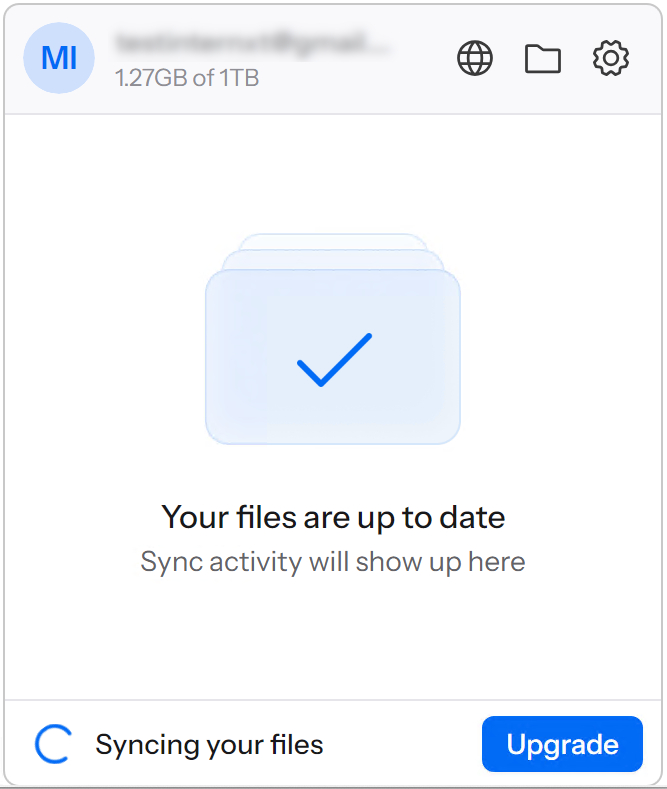
One odd thing I noticed was that Internxt doesn’t copy zero-byte files. If you sometimes use the name of a zero-byte file as a label for the contents of a folder or some such, it won’t be copied. This should be optional.
Success is always the bottom line, and all the backups and syncs i tried completed. But better, friendlier to your network bandwidth software would be much appreciated.
Is Internxt Drive worth it?
Issues aside, there’s no way around the fact that Internxt’s discounted lifetime plans are a bargain over time. The client software needs major grooming, and especially bandwidth throttling, but hey, it works. At least it did for me.
Alas, my own experience with bandwidth hogging and small glitches, the large price hikes, plus too many reports of serious issues dropped Internxt to four stars as of March 14, 2026. Hopefully, the company will improve its software and earn it back in short order. Check this review regularly for updates on this issue.
Further reading: How PCWorld tests cloud backup services
Best Prices Today: Internxt Drive online backup
Author: Jon L. Jacobi, Contributor, PCWorld

Jon Jacobi is a musician, former x86/6800 programmer, and long-time computer enthusiast. He writes reviews on TVs, SSDs, dash cams, remote access software, Bluetooth speakers, and sundry other consumer-tech hardware and software.